Thread retention
Automatically delete AI agent threads after a period of inactivity
Thread retention is an Enterprise feature, enabled per organization on
request — contact us to turn it on. Self-hosted Enterprise
deployments set QYRA_ENABLE_FEATURE_FLAGS=ai-thread-retention — see
feature flag environment
variables.
By default, Qyra keeps AI agent threads forever. Organizations with compliance or privacy requirements can set a retention window instead: threads with no activity for the configured period are automatically and permanently deleted, once per hour.
Retention only applies to threads, never to your warehouse data, which stays in your warehouse under your own policies.
How retention works
Retention is configured in whole hours (presets from 1 hour to 90 days, or a custom value), at two levels:
- Organization default — applies to every agent in the organization, including threads that aren't linked to an agent.
- Per-agent window — an agent can set a shorter window than the organization default, making the organization value the ceiling.
The clock is based on inactivity: a thread expires only when it has had no new messages for the whole window, measured from its latest activity.
What gets deleted
When a thread expires, everything derived from it is deleted with it:
- prompts, responses, tool calls and tool results, and reasoning
- share links (revoked)
- agent memories learned from the thread
- evaluation prompts that reference the thread (evaluation suites may shrink), and past evaluation runs' threads
Content created from threads, like saved charts and dashboards, is stored independently and is not affected.
Deletion is permanent. When an admin lowers the organization window, Qyra shows how many threads across how many agents will be deleted before the change is confirmed.
What retention does not cover
The retention window applies to AI agent thread content stored by Qyra. Adjacent stores keep their own, separately bounded retention:
| Store | Retention |
|---|---|
| Slack messages | Live in your Slack workspace and follow its retention — Qyra cannot delete them |
| MCP tool calls | 90 days |
| Query history (compiled SQL and metric queries) | 32 days by default, configurable per instance |
| Query results cache | Up to 1 day (up to 31 days for deep research) |
Configuring retention
Organization default: go to Organization settings → Ask AI → General → Thread retention. Lowering the window (or setting one where there was none) asks for confirmation and shows how many existing threads will be deleted.
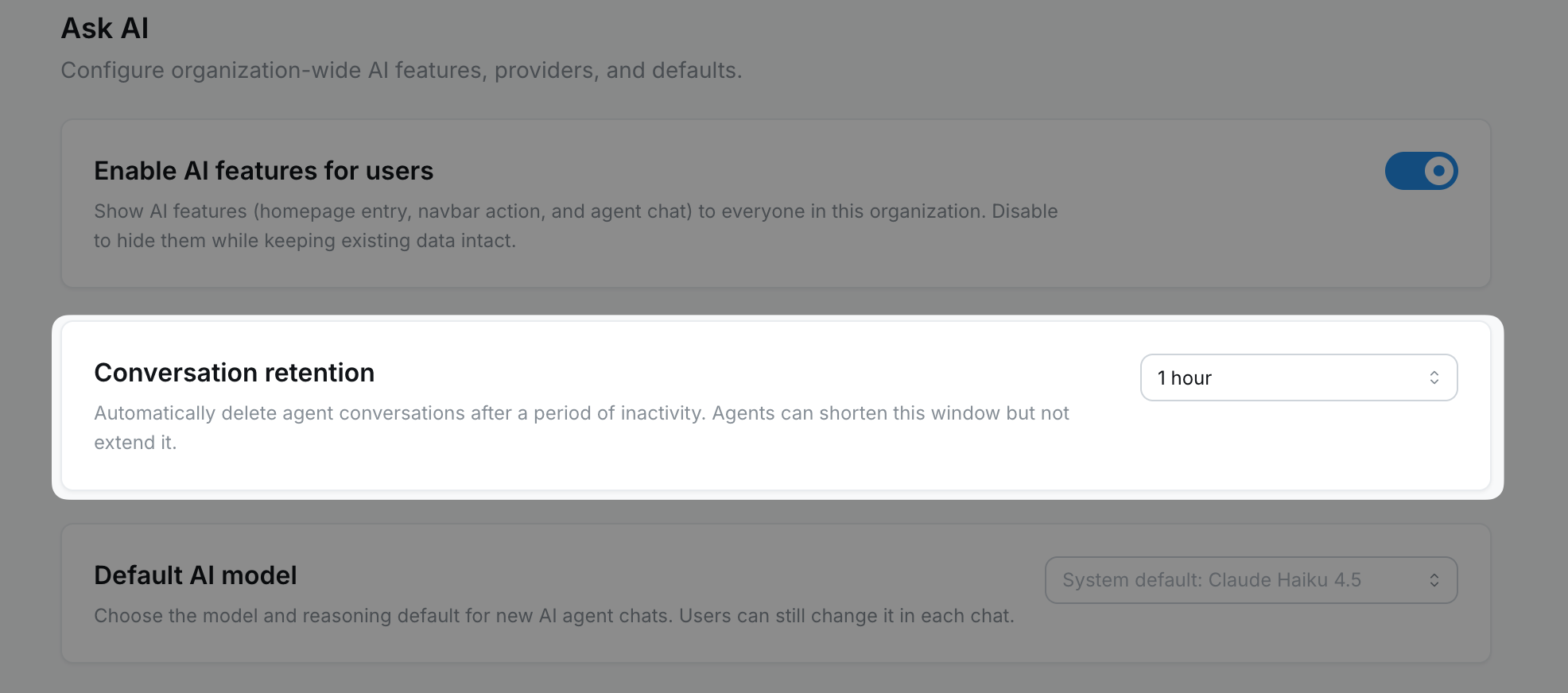
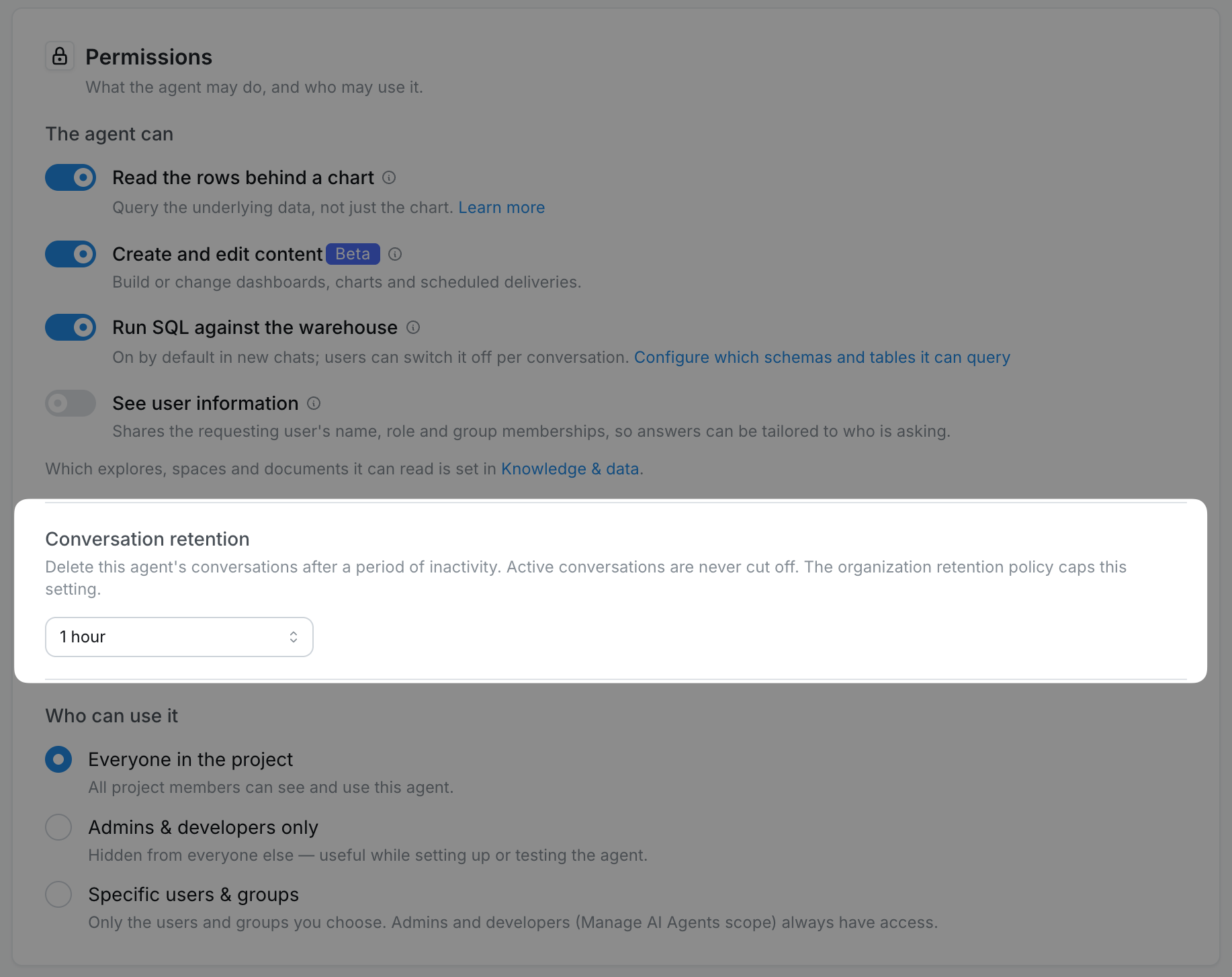
Per-agent window: in the agent's settings under Permissions → Thread retention. When an organization default exists, it caps the values you can pick, and leaving the agent setting empty inherits the organization default.
Agents as code
Agents managed as code can set the per-agent window
with the optional threadRetentionHours field:
- a number sets the window (validated against the organization ceiling)
- an explicit
nullclears the agent's window, inheriting the organization default - omitting the field leaves the stored setting unchanged
Uploads into an organization where retention is not enabled ignore the field and return a warning instead of failing, so agent configuration stays portable across organizations.